
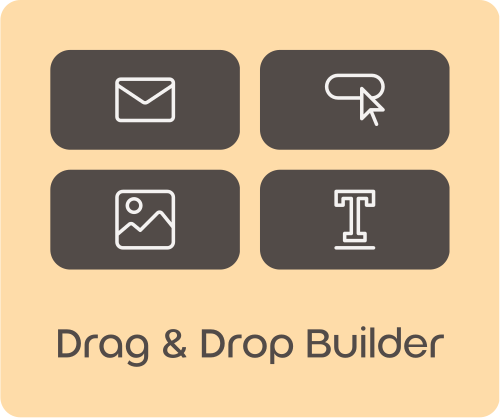
Build eye-catching on-site campaigns without code, a developer, or another plugin. Design a popup or a floating badge in a visual drag-and-drop editor, show it to exactly the right shoppers at the perfect moment, and let built-in analytics show you what it earns.
100 Free AI Credits Included. No credit card required.
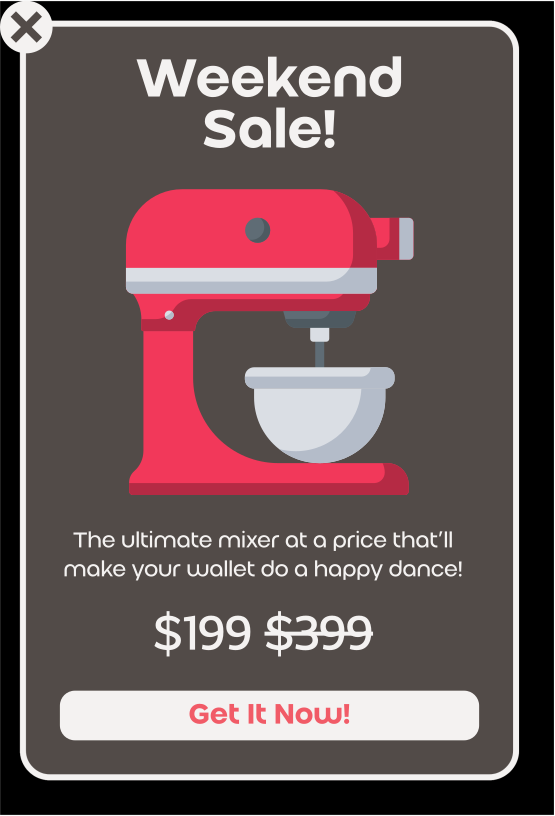
Core Capabilities
- Two campaign types – popups and floating corner badges
- Visual drag-and-drop block editor
- Smart link picker for products, categories, and tags
- Precise targeting, scheduling, and frequency control
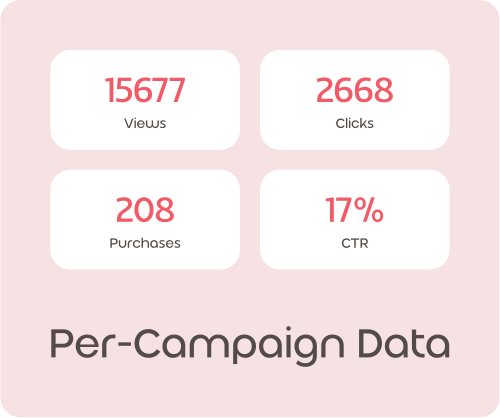
- Built-in per-campaign analytics
Third-party popup plugins that are slow, ugly, and disconnected from your store
Most WooCommerce popup plugins load heavy scripts that drag down your pages, force you to paste raw URLs by hand, and give you no real insight into whether a campaign actually made money. You end up guessing – and paying for yet another plugin just to do it.

Everything You Need to Turn a Visit Into a Sale
Design popups and badges in one visual editor, and attach any product, category, tag, or custom URL to a button in a single click with the smart link picker – no URL hunting, no leaving the editor.
A Fast, Polished Fit for Any Store
Your campaigns look premium and load after the page, so your store stays fast – on every device and in every language.
Ready to Turn Visits Into Revenue?
Launch your first popup or badge in minutes – no code, no extra plugin, and analytics that show you what it earns.
No credit card required. Cancel anytime.
FAQ
They help you grab shopper attention and guide them towards your most important offers. You can highlight promotions, announce new products, or encourage sign-ups for your email list. This direct communication helps increase engagement and makes sure shoppers see your key messages, encouraging them to take action and complete a purchase.
You can fully customize the appearance of your popups and badges to align with your store’s design. Choose between a prominent window popup or a full-width strip across your page. For badges, you can use custom images, icons, or simple text. This ensures your marketing messages feel like a natural part of your store, building trust and a cohesive brand experience.
You can precisely control who sees your popups and badges. Show specific messages only on certain page types, like product pages or category pages, or even on particular URLs. Target guests or logged-in customers differently, and set schedules for promotions. This ensures your marketing efforts are highly relevant, increasing the likelihood of shopper engagement and conversion.
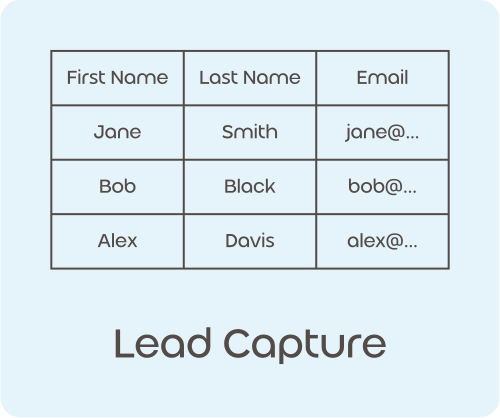
You can easily add a lead form to any popup to gather valuable customer data. Include fields for name, phone, email, date, and even a consent checkbox for marketing. This allows you to build your email list, collect contact details for future outreach, and understand your customer base better, helping you nurture leads into loyal customers.
After a shopper submits their information, you can choose exactly what happens next. Display a custom thank-you message, automatically redirect them to a specific page on your site, or send them to any custom link you choose. This allows you to guide their journey effectively, whether it’s to a special offer or more information, keeping them engaged with your store.
You can track campaign performance with views, clicks, purchases, and conversion rate. A purchase is counted when a shopper clicks your campaign and then completes a purchase in that same visit.
All lead submissions are stored and listed under the Leads tab in WooDonkey, with an option to export a CSV file. You can also configure optional notification emails and webhooks, which are sent directly from your store.
You have full control over the timing and frequency of your messages. Schedule popups to appear only during specific dates or times for promotions. You can also set a delay before a popup shows and control how often a shopper sees it, preventing annoyance. This ensures your messages are timely and effective without overwhelming your customers.
When a shopper submits a lead form, their information can be automatically sent to your designated email address. Additionally, you can configure a webhook to instantly send lead data to other marketing automation platforms or CRM systems. This seamless integration helps you automate follow-ups and nurture new leads efficiently, saving you time and effort.
Popups and badges are excellent tools for driving traffic to your special campaigns or new product launches. You can create eye-catching messages that link directly to your sales pages, category pages, or specific product listings. This direct approach helps funnel shoppers to your most important content, increasing visibility and boosting participation in your promotions.